
14 Affordable Ways To Make Your Old Cell Phone Feel New Again
Posted by Katy on Apr 19th 2026
Older smartphones often slow down, lose battery life, or start to feel outdated. Replacing your phone may seem like the only solution, but that approach can cost hundreds of dollars. Many simple and affordable upgrades can restore performance, improve usability, and extend the life of your device.
Budget-conscious shoppers can get more value by focusing on small improvements instead of full replacements. With the right approach, an older phone can still meet daily needs without frustration.
Clean Up Storage for Better Performance
Storage clutter slows down almost every smartphone. Apps, photos, and cached data take up space and reduce processing speed.
Start by deleting unused apps and large files. Move photos and videos to cloud storage or an external device. Clear app caches regularly to free up hidden storage.
A clean phone responds faster and feels more reliable right away.
Replace the Battery Instead of the Phone
Battery degradation causes many performance complaints. Phones shut down early, charge slowly, or struggle to last a full day.
Replacing the battery costs far less than buying a new device. Many models allow easy replacement through repair kits or local services.
A fresh battery restores daily usability and eliminates constant charging.
Update the Operating System and Apps
Software updates often improve performance, security, and compatibility. Skipping updates can leave your phone feeling outdated.
Install the latest supported operating system version. Update all apps to ensure smooth operation and fewer crashes.
These updates optimize how your phone handles tasks and extend its functional lifespan.
Use a Lightweight Launcher or Interface
Default phone interfaces sometimes include unnecessary features that slow down performance. Lightweight launchers simplify the experience.
Install a minimalist launcher that reduces animations and background processes. This change can make navigation faster and cleaner.
A streamlined interface often feels like using a completely new device.
Add Affordable Accessories for a Fresh Experience
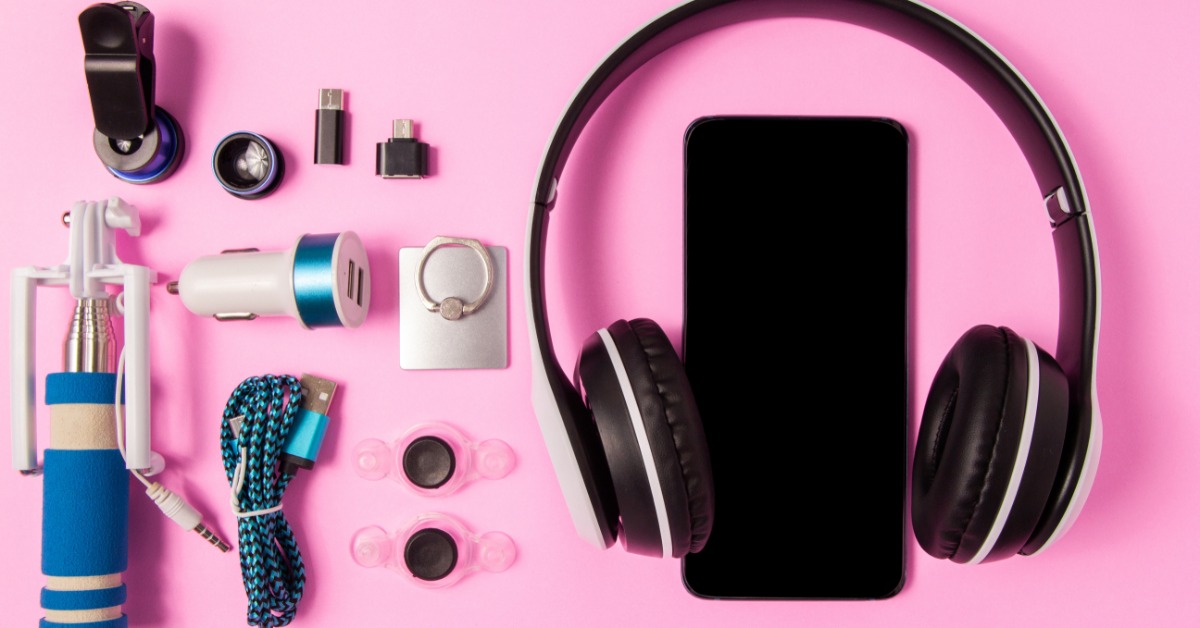
Small upgrades can make a big difference in how your phone looks and functions. Many shoppers find great value when browsing cell phone accessories online for budget-friendly options.
Focus on practical upgrades that improve daily use without overspending:
- Replace worn charging cables with durable alternatives
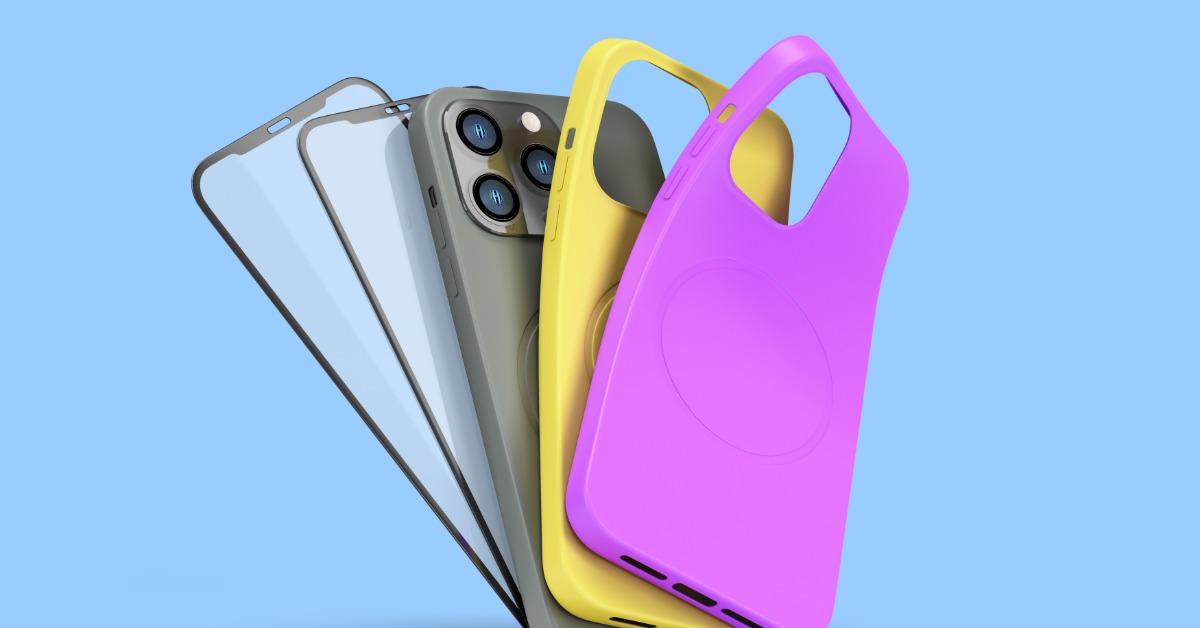
- Add a new case for protection and style
- Upgrade to better earbuds for clearer audio
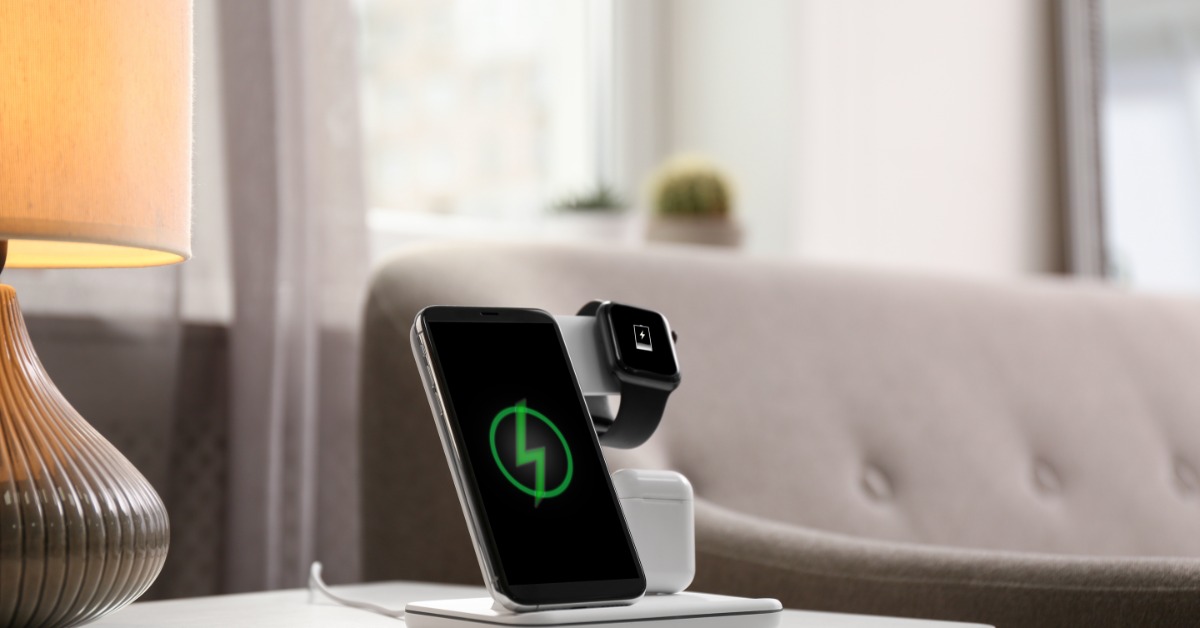
- Use a fast charger to reduce downtime
- Install a tempered glass screen protector
These simple additions improve both performance and user satisfaction.
Reset Your Phone for a Clean Start
Factory resets remove accumulated clutter and software issues. Over time, background processes and leftover files slow down performance.
Back up your data before resetting. After the reset, reinstall only essential apps.
This approach eliminates hidden problems and restores original speed.
Improve Camera Performance with Simple Fixes
Older phones may still have capable cameras. Poor results often come from dirty lenses or outdated settings.
Clean the camera lens regularly using a soft cloth. Adjust camera settings for better lighting and resolution.
You can also install third-party camera apps that offer improved features and controls.
Replace Worn-Out External Components
Physical wear affects usability. Buttons may stick, charging ports may loosen, and screens may crack.
Affordable replacement parts can fix these issues without replacing the entire device. Repairing small components restores functionality and prevents further damage.
Many users extend phone life significantly with basic repairs rather than needing to get a whole new phone because of a few issues.
Optimize Background Processes
Too many background apps drain resources and reduce speed. Managing these processes improves performance instantly.
Disable unnecessary background activity in settings. Limit apps that run constantly or send frequent notifications.
Fewer background tasks allow your phone to focus on what matters most.
Upgrade Your Storage Options
Limited storage creates frustration and slows performance. External or cloud storage offers a simple solution.
Use microSD cards if your device supports them. Cloud storage services provide flexible space for photos and documents.
Expanding storage keeps your phone organized and responsive. You’ll run into storage issues sooner than you think, especially if you use your phone a lot. A storage upgrade can be just what you need to get your phone back in working order.
Improve Connectivity and Signal Strength
Connectivity issues can make even a fast phone feel unreliable. Weak signals affect browsing, calls, and app performance.
Check your SIM card for wear or damage. Reset network settings if connections seem inconsistent.
You can also use Wi-Fi calling or signal boosters in low-coverage areas.
Refresh the Look with Simple Changes
A phone that looks worn often feels outdated. Small visual updates can change that perception quickly.
Replace your case with a new design. Clean the screen and body thoroughly. Apply a new wallpaper or theme for a modern look.
These changes create a sense of newness without any major expense.
Manage Notifications for a Smoother Experience
Constant notifications interrupt performance and drain battery life. Reducing them improves usability.
Turn off alerts for non-essential apps. Customize notification settings to focus only on important updates.
A quieter phone runs more efficiently and feels less overwhelming.
Extend Lifespan with Smart Charging Habits
Charging habits affect battery health over time. Poor practices lead to faster degradation and this can be extremely frustrating in the long run.
Avoid letting your battery drop to zero frequently. Make sure to unplug it once it reaches full charge. Use quality chargers to prevent any damage.
Better habits keep your phone running longer between charges.
Why Affordable Upgrades Make Sense
Replacing a phone every few years adds unnecessary expense. Many devices still have strong hardware that supports everyday tasks.
Affordable upgrades align with the needs of budget-conscious shoppers who want reliable performance without overspending. If you’re trying to save money, it often makes much more sense to upgrade your existing phone than to buy another one.
Small improvements often deliver noticeable results. Instead of chasing the latest model, focusing on maintenance and upgrades creates better long-term value.
Making Your Phone Work for You
An older phone does not need to feel outdated or frustrating. With the right combination of cleaning, repairs, and affordable upgrades, you can restore performance and usability.
These changes require minimal investment but deliver meaningful results. A refreshed device supports daily tasks, reduces stress, and saves money. If you have a phone that you love and don’t want to give up, that’s completely fine. Using some of these tips, you can continue to use the phone you love without worrying about upgrading any time soon.


