
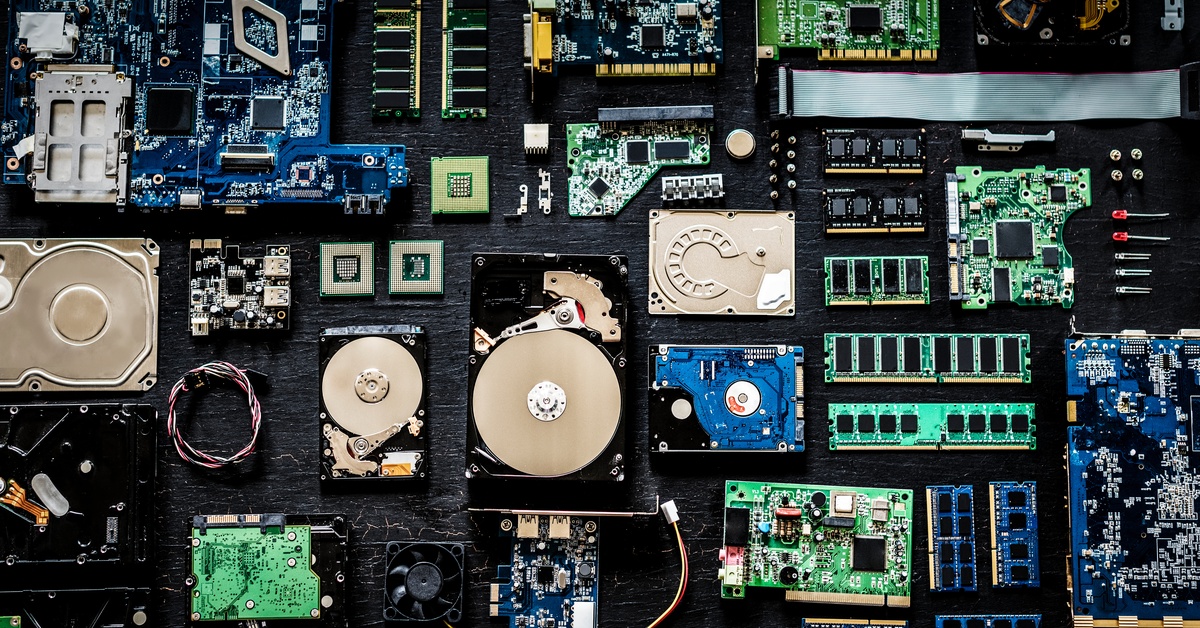
How To Upgrade Your PC With Cheap Computer Accessories
Posted by Katy on Dec 8th 2025
Looking to boost your PC's performance without breaking the bank? You're in the right place! A full system overhaul can be expensive, but you can achieve a significant computer upgrade by focusing on affordable accessories. Enhancing your setup with the right gear can transform your computing experience, from gaming and streaming to everyday work.
Many people think upgrading a PC means spending a fortune on a new graphics card or processor. While those components are important, you can make a huge difference with smaller, more budget-friendly changes. Think about it: a more comfortable mouse can improve your aim in games, a better keyboard can make typing a joy, and an external hard drive can solve your storage woes instantly.
Here we’ll explore how you can upgrade your PC using inexpensive accessories. We will cover everything from improving your audio experience and organizing your cables to enhancing your system's cooling and visual appeal. Get ready to discover some fantastic ways to get more out of your machine for a fraction of the cost of a major upgrade!
Enhancing Your Audio
You can dramatically improve your audio experience without spending much money. A quality headset can make a world of difference, offering immersive sound for gaming and clear audio for video calls. Look for models with comfortable ear cups and a decent microphone. Many affordable gaming headsets provide excellent virtual surround sound, helping you pinpoint enemy footsteps or enjoy cinematic movie audio. Upgrading from basic, tinny speakers to a budget-friendly 2.1 speaker system (two satellite speakers and a subwoofer) can also bring your sound to life with richer bass and clearer highs.
Improving Your Keyboard
Upgrade your typing and gaming experience by swapping out your standard keyboard. Mechanical keyboards have become more affordable and offer superior tactile feedback and durability. You can choose from different switch types—clicky, tactile, or linear—to match your preference. Even if a full mechanical keyboard is out of your budget, a quality membrane or "mem-chanical" hybrid keyboard can offer a much better feel than the generic one that may have come with your PC. Many budget keyboards also include features like backlighting and programmable keys, adding both style and function to your setup.

Getting a Better Mouse
You can gain precision and comfort by upgrading your mouse. A gaming mouse, even a budget-friendly one, offers higher DPI (dots per inch) for more responsive tracking and programmable buttons that you can customize for specific actions in games or applications. Ergonomic mice are designed to fit the natural curve of your hand, reducing strain during long work or gaming sessions. Look for features like adjustable weights and on-the-fly DPI switching, which are now common even on less expensive models.
Expanding Your Storage
You can easily add more storage space without opening your PC case. External hard drives are an affordable and simple solution for storing large files, games, and media. A portable solid-state drive (SSD) offers much faster transfer speeds than a traditional hard disk drive (HDD), making it perfect for running applications or games directly from the drive. With prices for external storage constantly dropping, you can find a terabyte or more of space for a very reasonable price.
Boosting Your Connectivity
You can expand your PC's connectivity with a simple USB hub. Most motherboards come with a limited number of USB ports, which can fill up quickly with peripherals. An inexpensive powered USB hub adds multiple extra ports, allowing you to connect your keyboard, mouse, headset, external drive, and other devices all at once. For faster internet speeds without running an Ethernet cable, a USB Wi-Fi adapter can provide a significant boost over your motherboard's built-in Wi-Fi, especially if you upgrade to a Wi-Fi 6 compatible model.
Improving System Cooling
You can help your components run cooler and last longer with better airflow. Adding a few extra case fans is one of the cheapest and most effective ways to lower internal temperatures. Look for fans that offer a good balance of airflow and quiet operation. Replacing your CPU's stock cooler with a more capable aftermarket air cooler can also lead to lower temperatures and less noise, potentially allowing for better performance through overclocking. This is a fantastic way to find discount computer accessories that make a real impact.
Organizing Your Cables
You can give your setup a clean, professional look by managing your cables. A messy tangle of wires not only looks bad but can also restrict airflow. You can use simple and cheap accessories to get things in order:
- Cable sleeves can bundle multiple wires into a single, neat tube.
- Velcro ties or zip ties can secure cables to your desk or inside your PC case.
- Adhesive cable clips can route wires along the back of your desk, keeping them out of sight.
A well-managed setup is more visually appealing and makes it easier to clean and access your ports.
Adding RGB Lighting
You can add a personal touch to your setup with RGB lighting. While not a performance upgrade, custom lighting can make your PC feel uniquely yours. Affordable RGB LED strips can be placed inside your case or behind your monitor to create ambient lighting. Many budget-friendly peripherals, like keyboards, mice, and even mouse pads, now come with customizable RGB effects. It’s a fun and inexpensive way to match your PC's look to your personality or the aesthetic of your room.
Getting a New Mouse Pad
You can improve your mouse's accuracy with an upgraded mouse pad. A large desk mat not only provides a consistent surface for your mouse but also protects your desk and gives you plenty of room to move. Gaming mouse pads are designed for either speed (a smooth, low-friction surface) or control (a textured surface for more precise movements). An extended mouse pad that fits both your keyboard and mouse can tie your entire desk setup together.
Protecting Your Power
You can protect your valuable components with a quality surge protector. A power surge can permanently damage your PC and other electronics. A good surge protector offers multiple outlets and safeguards your gear against unexpected voltage spikes. Some models even include USB ports for charging your devices. It's a small investment that provides peace of mind and protects your more expensive hardware from electrical damage.
Transform Your Setup Today!
Upgrading your PC doesn't have to be a costly endeavor. By focusing on smart, affordable accessories, you can significantly enhance your computer's performance, comfort, and aesthetics. From a responsive new mouse to a life-saving surge protector, these small changes have a big impact. We are committed to helping you find the perfect parts at amazing prices, and we stand by every order.
Ready to start your upgrade? Explore our wide selection of PC accessories and find exactly what you need to take your setup to the next level. We're excited to help you build the PC of your dreams, one perfect part at a time!


