
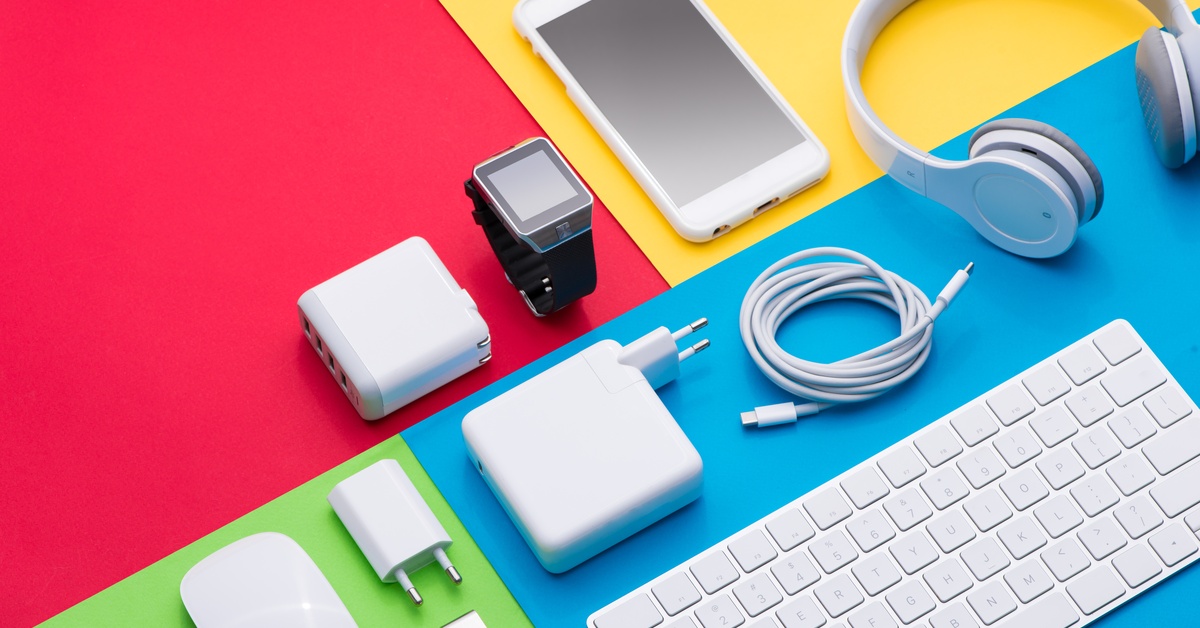
Affordable Computer Accessories To Boost Productivity
Posted by Katy on Feb 13th 2026
We all want to get more done in less time. Whether you work from home, game on the weekends, or just need to organize your digital life, the right tools make a huge difference. You might think you need to spend a fortune on high-end gear to see results, but that is simply not true. You can find incredible value without breaking the bank.
Upgrading your workspace often starts with small, smart changes. A better mouse, a clickier keyboard, or even a simple stand can transform how you interact with your computer. These affordable computer accessory upgrades help you work faster, reduce strain, and keep your focus where it belongs. At The Perfect Part, we believe everyone deserves a workspace that works for them, no matter the budget. Let’s dive into some fantastic options that will help you power through your day.
Why Ergonomic Mice Matter for Workflow
Your hand touches your mouse thousands of times a day. If you use a standard, flat mouse, you might notice wrist pain or stiffness after a few hours. An ergonomic mouse changes everything! These devices support your hand in a natural handshake position, which reduces strain on your wrist and forearm.
When you aren’t shaking out a cramp every twenty minutes, you stay in the flow longer. Many affordable ergonomic options now include programmable buttons. You can set these buttons to copy, paste, or switch windows with a single click. This small change saves seconds every time you do it, and those seconds add up to hours over a year. Plus, many budget-friendly models offer wireless connectivity, cleaning up your desk clutter instantly.
How Mechanical Keyboards Improve Typing Speed
If you still type on a mushy membrane keyboard, you are missing out. Mechanical keyboards provide tactile feedback with every keystroke. This physical "click" or "bump" tells your brain exactly when the key registers. This feedback loop helps you type faster and with fewer errors.
You don't need to spend hundreds of dollars on a custom board. Many entry-level mechanical keyboards offer excellent build quality and satisfying switches for a fraction of the price. Look for "hot-swappable" boards if you want to change switches later without soldering. A better typing experience makes writing emails, coding, or drafting reports feel less like a chore and more like a satisfying activity. Your fingers will thank you!
What Laptop Stands Do for Posture
Hunching over a laptop screen creates tension in your neck and shoulders. This physical discomfort distracts you from your work and drains your energy. A laptop stand solves this problem instantly by raising your screen to eye level.
When your screen sits at the proper height, you sit up straighter naturally. Better posture improves blood flow and keeps you alert. Laptop stands come in various materials, from sleek aluminum to adjustable plastic. Many fold up flat, making them perfect for hybrid workers or students. By aligning your spine, you remove physical barriers to your productivity.
When To Use Blue Light Glasses
Staring at screens all day exposes your eyes to significant amounts of blue light. This exposure can lead to eye strain, headaches, and difficulty sleeping. If your eyes feel tired by 2:00 PM, blue light glasses might help.
These glasses filter out specific wavelengths of light emitted by digital screens. By reducing glare and harsh light, they help your eyes relax. When your eyes feel fresh, you can maintain focus on complex tasks for longer periods. You can find stylish, non-prescription frames at very reasonable prices. Keep a pair at your desk and pop them on when you know you have a long session ahead. It is an easy way to protect your vision and your focus.
Desk Mats to Organize Your Space
A cluttered desk often leads to a cluttered mind. A large desk mat defines your workspace and provides a smooth surface for your mouse and keyboard. Unlike a tiny mousepad, a desk mat covers a large area, protecting your desk surface from scratches and spills.
These mats add a touch of personality to your setup while keeping everything grounded. The soft surface also dampens the sound of your keyboard, which is great for shared workspaces. Visually, a desk mat ties your accessories together, making your desk look intentional and tidy. When your environment looks organized, you feel more ready to tackle your to-do list.
How USB Hubs Expand Connectivity
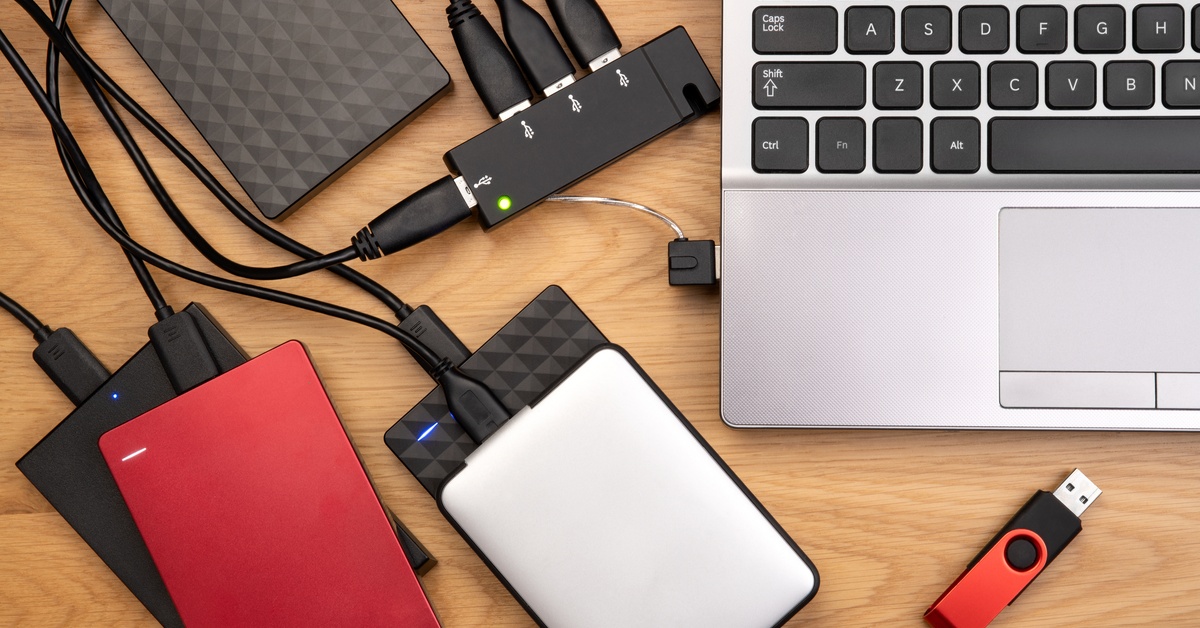
Modern laptops often lack enough ports for all your accessories. If you constantly swap cables to plug in a drive or a monitor, you break your concentration. A USB hub expands a single port into four, five, or even ten inputs.
With a hub, you keep all of your affordable computer accessories connected: your mouse, keyboard, webcam, and external drives. You just plug in one cable when you sit down, and you are ready to work. This seamless transition saves time and frustration. Look for hubs that support high-speed data transfer so you aren't waiting around for files to move. It is a tiny accessory that solves a big logistical headache.
Where Cable Management Clips Help
Cables have a nasty habit of tangling into a "spaghetti monster" behind your desk. This visual chaos creates subconscious stress. Cable management clips are incredibly cheap and effective. These small adhesive organizers stick to the edge or underside of your desk.
You simply snap your charging cables, monitor cords, and peripheral wires into the clips. This keeps them separated and prevents them from falling off the desk when you unplug your device. A tidy desk surface gives you room to breathe and think. Plus, it prevents you from tripping over loose wires. Taking ten minutes to organize your cables pays off every single day.
How Wrist Rests Prevent Fatigue
Your wrists bear the brunt of long typing sessions. Without support, your wrists might bend at awkward angles, compressing nerves. A wrist rest for your keyboard and mouse provides a cushioned landing pad.
- Memory foam: contours to your specific shape for personalized comfort.
- Gel: offers a cooling sensation and firm support.
- Wooden: provides a solid, stable surface that encourages proper floating hand position.
By keeping your wrists neutral, you prevent long-term injury and immediate discomfort. It is much easier to power through a report when your hands feel like they are resting on clouds!
Where Headphone Stands Save Space
Leaving your headphones on your desk takes up valuable real estate and risks damaging them. A simple headphone stand gives your headset a dedicated home. This keeps your desk clear and ensures your headphones are always right where you need them.
Some stands even mount under your desk to hide the gear completely. Others feature built-in USB ports for charging. By verticalizing your storage, you open up workspace for papers, coffee, or just empty space to think. It is a small addition that makes your setup look polished and professional.
Investing in your workspace is investing in yourself. You can find computer accessories for cheap that deliver premium results if you know where to look. We hope this list inspires you to make those small changes that lead to big wins in productivity.


